

Task and deadline management for accounting firms.
Accounting routines are the same every month, for dozens of clients, with deadlines that don't negotiate. Tasskee repeats each client's close on its own, shows who's behind, and brings together in one place the requests that arrive through forms and WhatsApp.
The day-to-day you recognize
An accounting firm doesn't fail from not knowing the obligation. It fails at remembering all of them, for all clients, at the same time.
The same list, every month, recreated by hand
Close, reconciliation, payroll, tax payments. Every month someone copies last month's spreadsheet, forgets a row, and only finds out close to the deadline.
Client deadlines that nobody sees together
Each analyst knows their own portfolio, but nobody sees the whole firm. The at-risk client only shows up once the deadline has passed.
The client sends documents everywhere
The statement is in email, the invoice is on WhatsApp, the question came by phone. Putting together what's missing to close the month turns into a file hunt.
Nobody knows how much it costs to serve each client
The monthly fee is fixed, the work isn't. Without hours per client, the contract that loses money only shows up at the price review.
Each client becomes a project, with the close already laid out
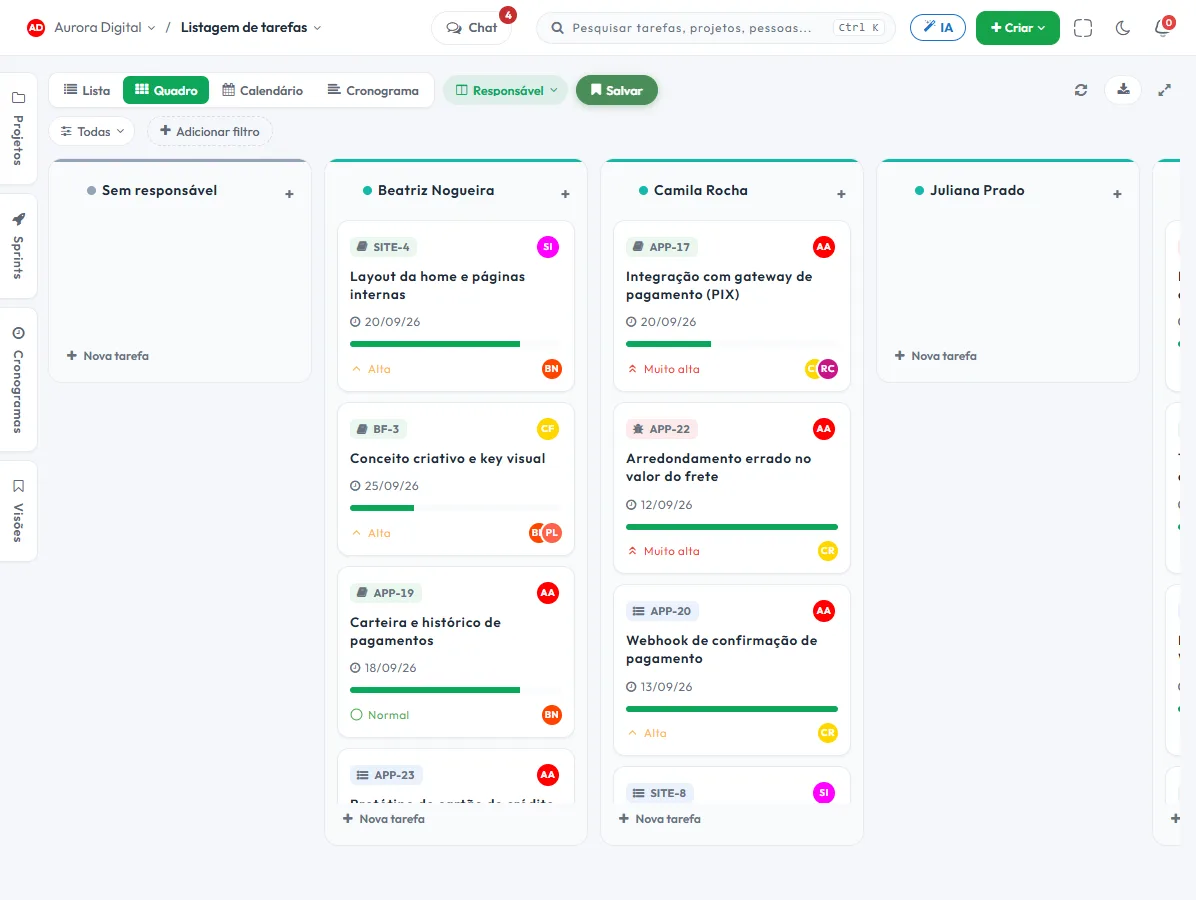
Choose the Accounting and Finance template at signup and the board is created with To do, In progress, Review, In approval and Done, plus the Monthly close and Tax obligations workstreams. You replace the sample tasks, such as closing the month and reconciling accounts, with your firm's own.
- 1 One project per client"Pão Quente Bakery · Accounting routine". Tasks, comments, documents and the company's history stay together, and whoever takes over the portfolio doesn't start from scratch.
- 2 The close repeats on its ownAn automation with a recurring trigger creates each client's tasks for the month, with a checklist. Nobody has to remember to copy the list.
- 3 Obligations with deadlines, visible to everyoneEvery task has a due date and an assignee. The calendar view and the due-date filter show what's due this week across the whole portfolio.
- 4 Review before deliveryThe task goes through Review and In approval before it's completed, and who checked what is recorded.
What gets the firm out of improvising
Three features that cover what eats up the most time: repetition, the client's request and proof of what was delivered.
Recurring task per client
The automation creates the monthly close, with a checklist, on the date you set. You can simulate 30 days before turning it on and check the history of what it did.
Client requests by form or WhatsApp
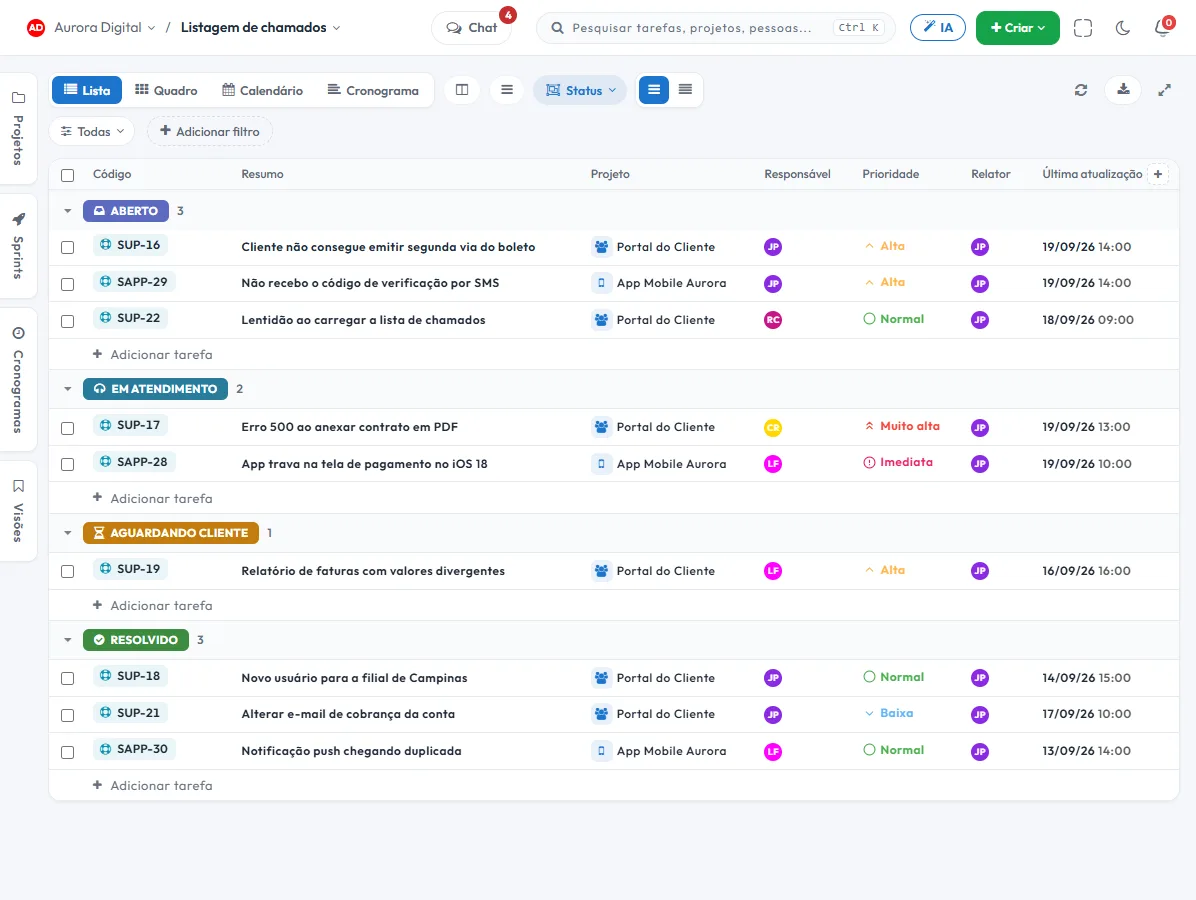
The public request form creates a ticket with a due date. With Customer Service, the WhatsApp conversation also becomes a ticket or task, inside the client's project.
Client portal, without taking up a seat
The client sees what's pending, comments and approves, without becoming a plan user. Fewer phone questions, more of a record of what was agreed.
The features that support this day to day
Task, schedule, ticket, form, and conversation are the same database. What changes in one place shows up in the other, with nothing to export.
Questions from people who run an accounting firm
Does Tasskee calculate taxes or issue payment slips?
Can I repeat the close every month, for each client?
How does the client send me requests?
Does the client need to log in?
Can I find out how much it costs to serve each client?
Start with the close that repeats most often
Create your account, open a client's project and turn on the monthly close automation. The following month, the tasks are already created for you.