

Task, deadline and hours management for law firms.
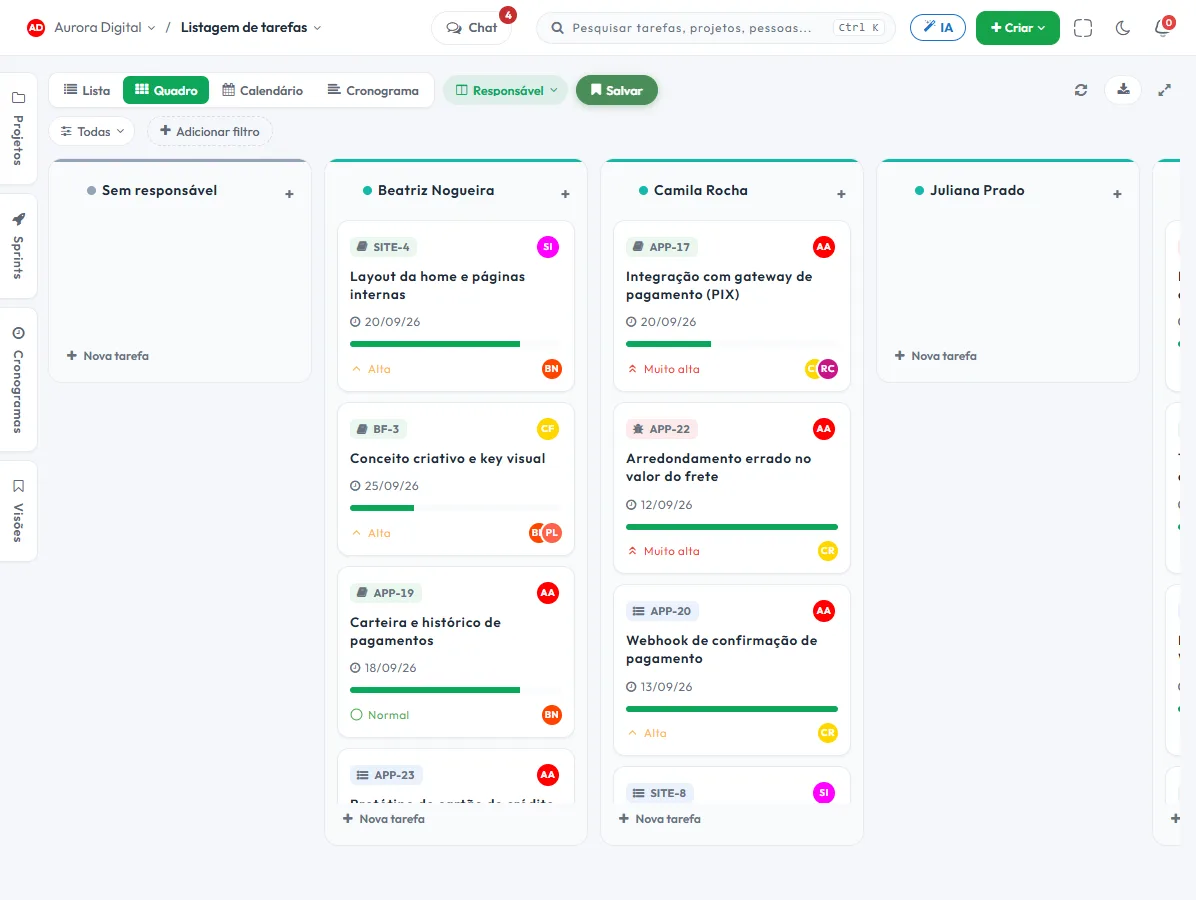
The firm's routine in one place: each case with its tasks, each deadline with a reminder before it falls due, documents alongside the case, and hours per client for those who bill by the hour. It is not a case-tracking system, and that's stated right below.
The day-to-day you recognize
A small or mid-size firm rarely misses a deadline out of carelessness. It misses it because the deadline lives in one person's calendar.
The deadline is in the partner's calendar
When they travel or get sick, nobody knows what's due this week. Tracking depends on one person remembering and another person asking.
Case tasks get lost in messages
The client's petition was requested in a WhatsApp group, the legal research by email, and the review in a meeting. Nobody has the full list for the case.
Hourly billing with no hours logged
Time is logged at the end of the month, from memory. Underestimated hours turn into discounts the client never asked for.
The client calls to ask for an update
Every call takes up a lawyer's time to answer what a screen could answer. The client has a right to know, and the firm loses time keeping them informed.
Each client or case becomes a project, with its tasks and deadlines
The Law firm template in the signup flow comes with the Cases and Clients workstreams and the statuses New case, In progress, Waiting, In approval and Done. "Waiting" is for anything that depends on a third party, and "In approval" is for the filing the partner reviews before it goes out.
- 1 One project per client or per case"Labor claim · Horizonte Transportation". Tasks, documents and comments for the case stay together, and the history follows the client.
- 2 Deadlines with automatic remindersOne automation notifies the assignee a few days before the due date, and another notifies the partner if a task has no assignee. You define the rule, and the history shows why it fired.
- 3 Filing reviewed before it goes outThe task goes through "In approval" and only moves forward when the partner decides. Who reviewed it and when is recorded.
- 4 Documents alongside the caseDrafts, contracts and minutes live in documents with versions, linked to the task they explain. A public link makes it easy to share with the client.
What nobody else puts together in a single tool
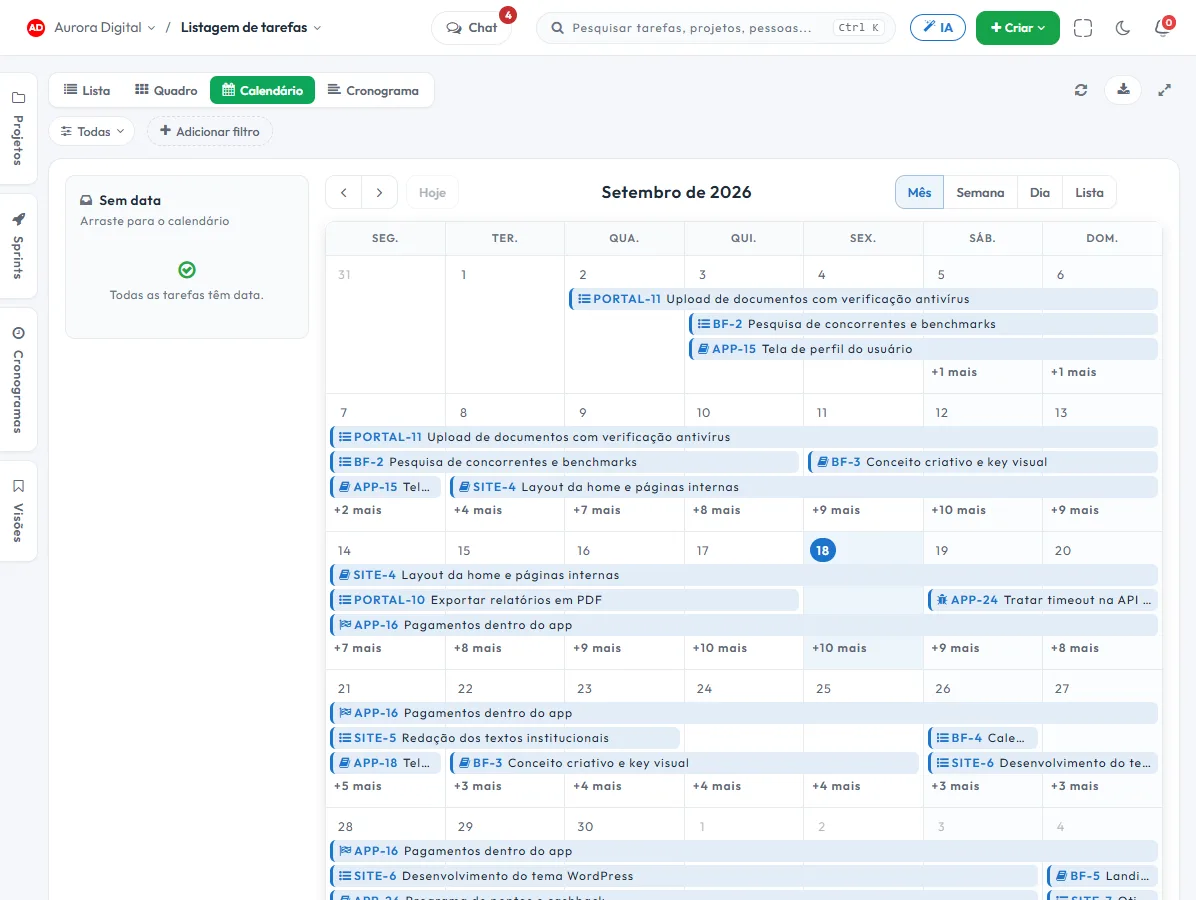
The task, the reminder and the client's hours, without turning the firm into a spreadsheet operator.
Deadline reminders that don't depend on memory
Automations work on every plan, with 100 runs per month on Free and more on paid plans. The trigger is the task date, the action is to notify the right person, and you can simulate 30 days before turning it on.
Hours per client, for hourly billing
Time is logged on the task, with an hourly rate per project and type of work. The client statement comes out as a PDF or CSV, with the invoice number recorded. Tasskee doesn't issue invoices or calculate taxes.
Clients follow along without becoming users
The guest portal shows whatever you release from the case, with comments and approval, and doesn't take up a seat. It's the answer to the "how is my case going" phone call.
The features that support this day to day
Task, schedule, ticket, form, and conversation are the same database. What changes in one place shows up in the other, with nothing to export.
Questions from people who practice law
Does Tasskee track cases in court?
How do deadline reminders work?
Can I track hourly fees?
Is client confidentiality protected?
Does it work for a company's legal department?
Start with the deadline that worries you most
Create your account, open a client's project and turn on the deadline reminder. In one afternoon you'll know whether the tracking can move off the partner's calendar.